On this page
Task guides
Debug a web app
Reproduce the issue once and inspect the requests and logs from that attempt. Change one condition and repeat the same action to verify the result.
Open the Mearl panel
On the page with the issue, open Chrome DevTools and select Mearl. Reproduce the issue, then check the request status, response body, and console errors.
Trace a single reproduction
Record a checkpoint on the target tab. Reproduce the issue, then substitute the returned cursor to inspect only the new requests and logs. Start with request metadata and read the response body when it matters.
mearl tab_checkpoint --payload '{"tabId":12345}'
mearl get_requests --payload '{"tabId":12345,"after":"<cursor>","includeBody":false}'
mearl get_logs --payload '{"tabId":12345,"after":"<cursor>","level":"error"}'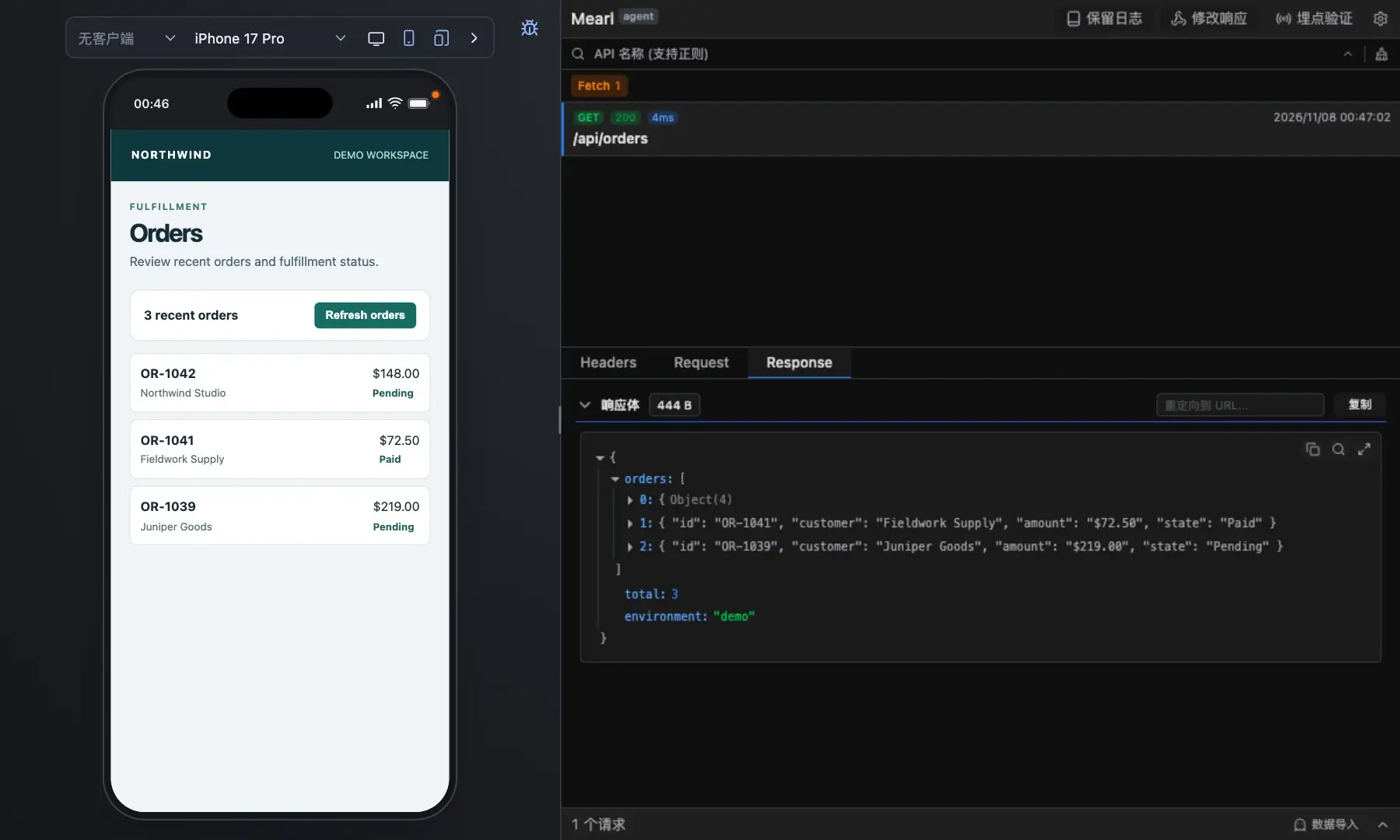
Change one condition and verify
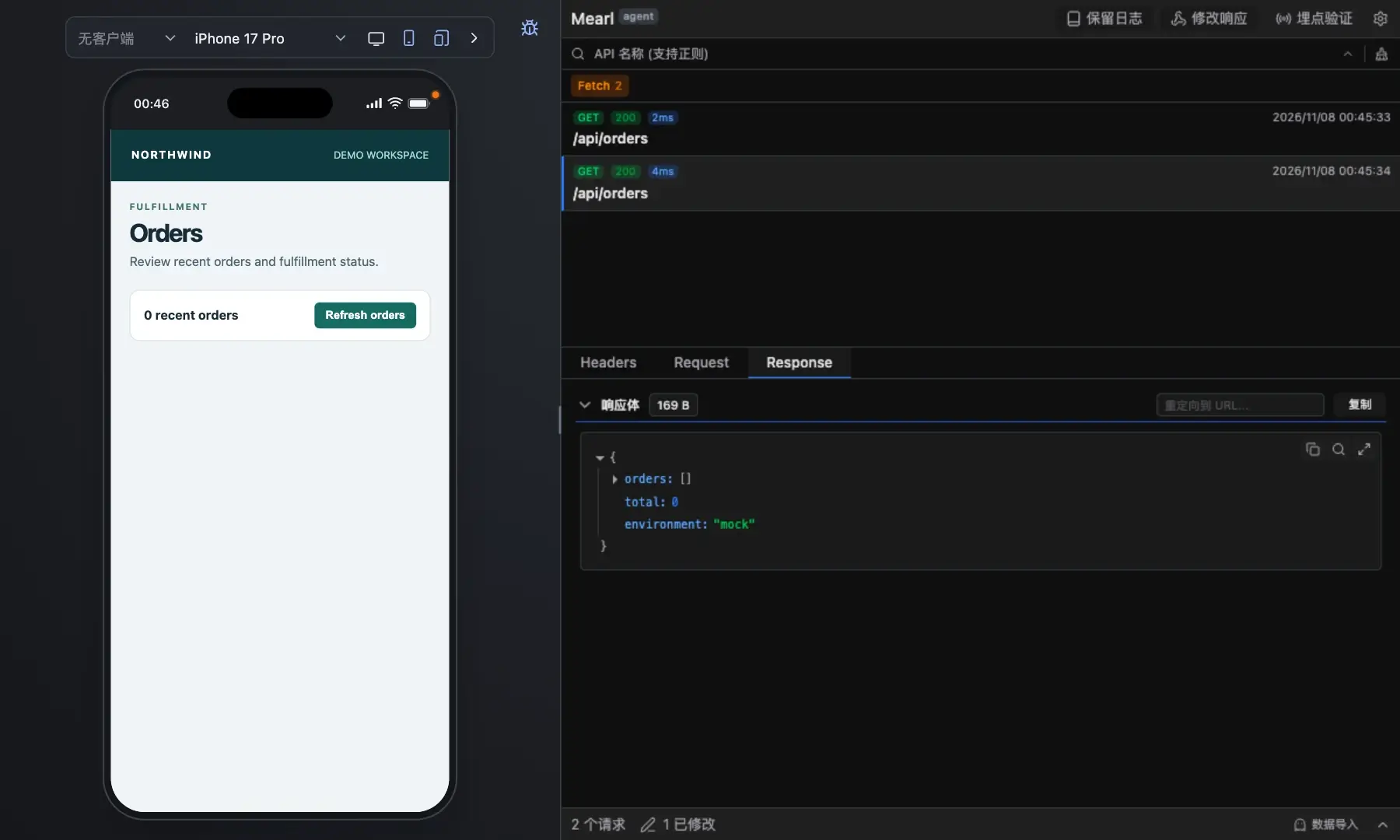
To test the empty state, mock an empty order list, refresh the page, and check that it shows zero orders. Use a request rule to test a redirect or header change. Available rules vary by connection.